1) If you wnat to host a skype confrence you will nedd to log-in to the skype app. You can download the app Skype on your laptop, phone, or desktop. You only need to download the normal verison of skype, you do not need to download the business version.
2) You will need to log-in using your own credentials or you can use the firms account. The username for the firm account is hawksquindel and the password is Hawks222.
3) Once in the app select "Meet now"
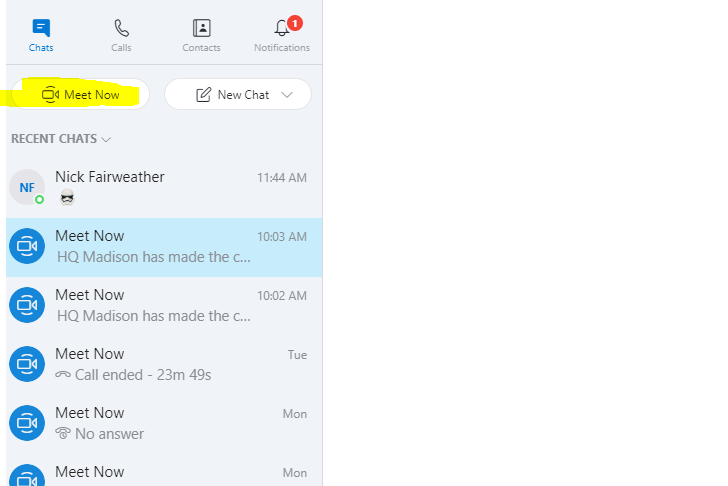
4) Skype will then generate a link that you can copy and send in an email to the indivduals that you are inviting to the meeting.

5) Click start call to begin the meeting!
How to join a skype meeting that you have been invited to??????
1) Copy then email link that you have recieved from the host of the meeting.
2) Paste the link a web browser outside of the cloud.
3) Select join as guest and enter your name
4) Select "Join Meeting" you will then be in the meeting.
Comments
1 comment
There are no steps listed below...
Please sign in to leave a comment.