1. Open File Explorer through Webtop
2. In your Local Scans, right click on a PDF
3. Select Properties
4. Click the “Change” button
5. Choose Adobe Acrobat and then click OK
OR
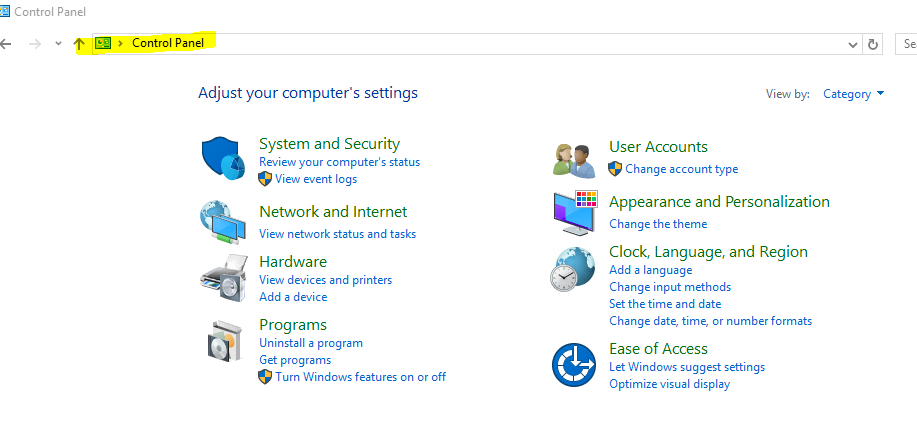
1. Open File Explorer through Webtop, and type in Control Panel in the command bar.
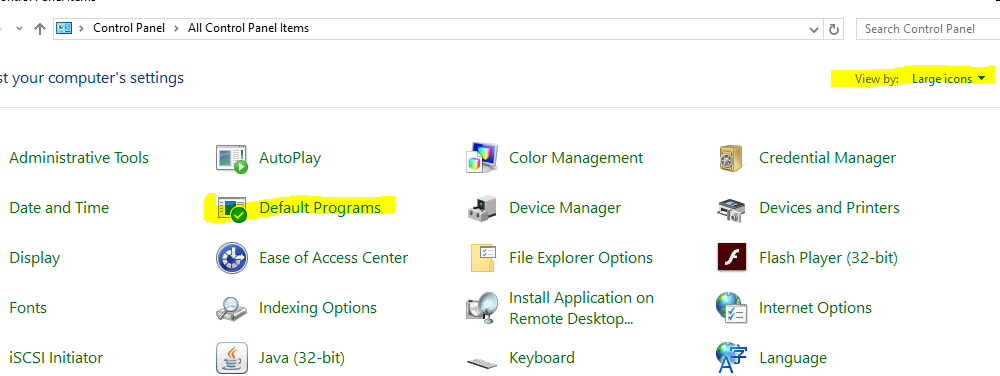
2. View by Large Icons, and Open Default Programs
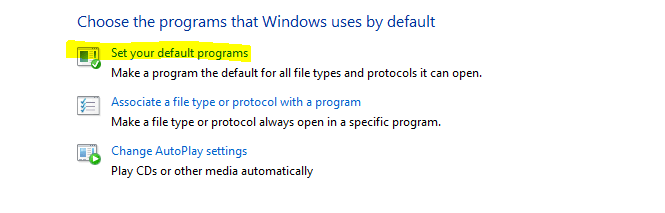
3. Choose"Set your default Programs"
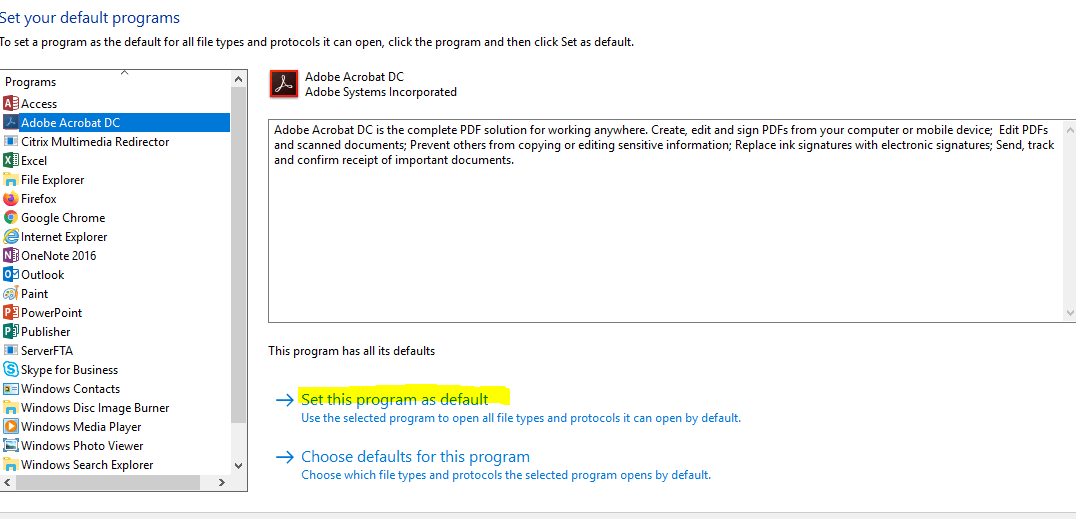
4. Highlight Adobe Acrobat DC and click-on "Set this program as default"
5. Save and hit OK.
6. Exit the file explorer.
Comments
0 comments
Please sign in to leave a comment.