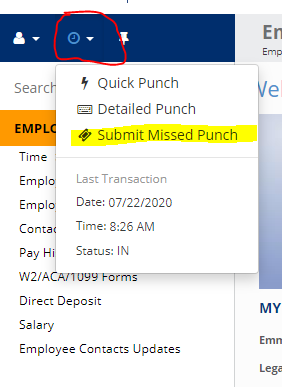
1) Select submit missed punch from the time icon drop-down
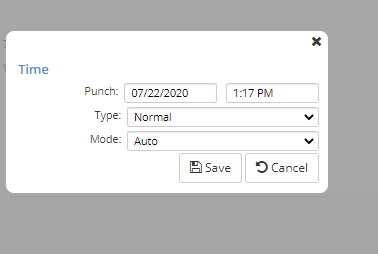
2) Enter the Date, Time, Type, and Mode of the punch that you missed and hit Save! you will notice a green pop-up that says, "your punch has been saved".
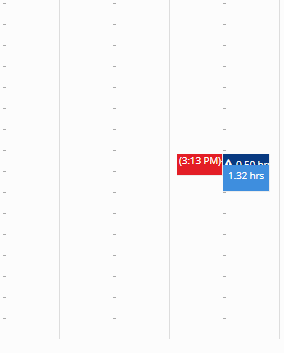
3) Note: your missed punch will not show-up on your time card until it is approved by SAD during payroll, but it will be saved and visable to her on the back-end.
Comments
0 comments
Please sign in to leave a comment.