To fix this error:
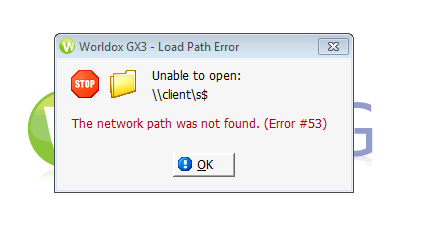
• open File Explorer in the Cloud
• Navigate to Network (bottom of the left side of the screen) > Client > C$ > Scans
• Disconnect and Re-connect your applications
If this doesn’t work, close and re-open your applications two times
Comments
0 comments
Please sign in to leave a comment.