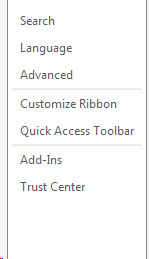
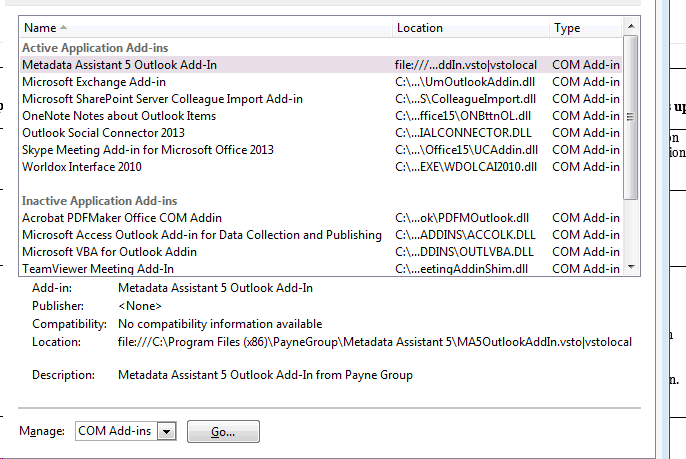
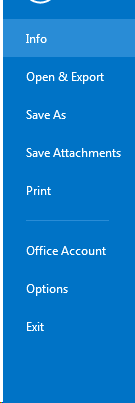
How do I enable or disable an add-in in Outlook? March 14, 2019 22:24 Updated In outlook: Click on File -> Options Click "Add-Ins." Press “Go” at the very bottom of that window. Then check or uncheck whichever add-ins you want to enable or disable. Click OK. Then close and reopen Outlook. Comments 0 comments Please sign in to leave a comment.
Comments
0 comments
Please sign in to leave a comment.