Skip to main content
How to change the ink cartridge
- Open the cover: the ink cartridge moves to the replacement position automatically.
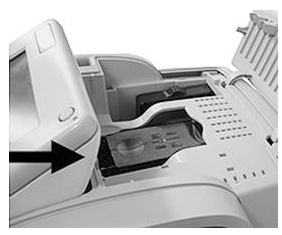
- Press down on the back of the ink cartridge to disengage it.
- Lift out the old ink cartridge.
- Remove the protective strips from the new ink cartridge.
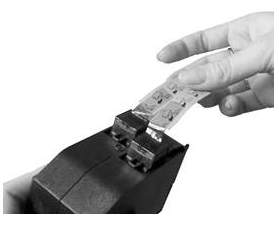
- Insert the new ink cartridge, and then push it forward until you hear the click.
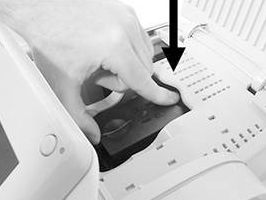
- Close the cover.
- The alignment process of the printing heads starts automatically.
Comments
0 comments
Please sign in to leave a comment.